Tools · Setup guide
Warp
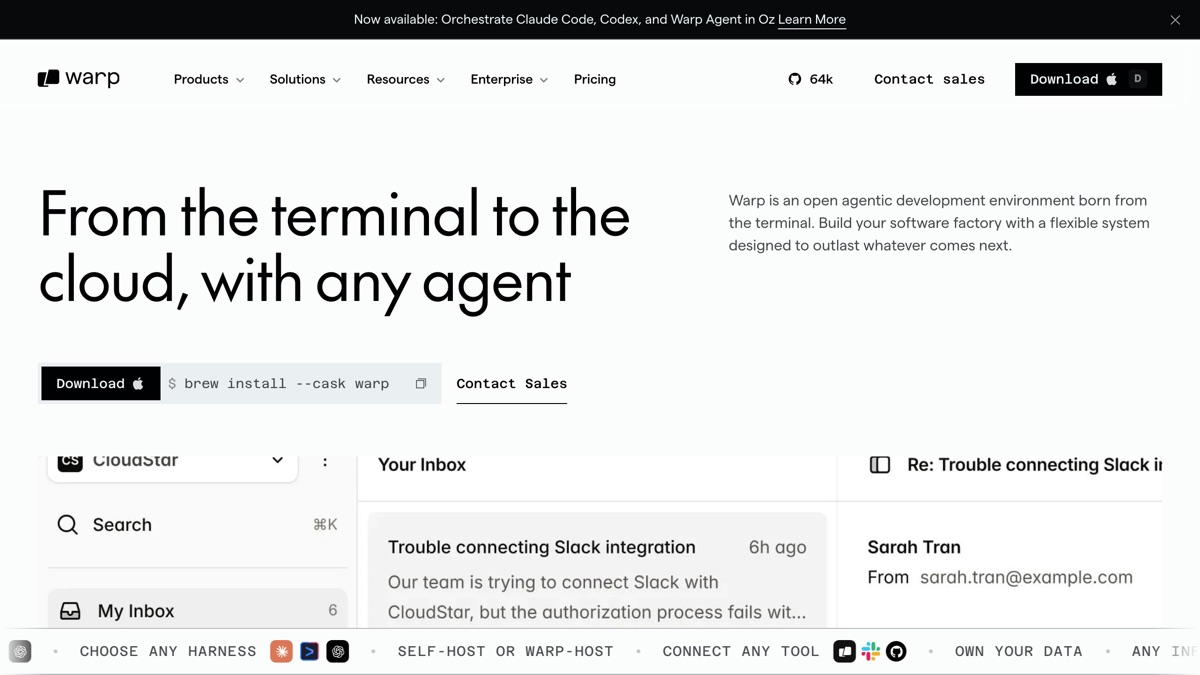
An agentic terminal: you type what you want in plain English, Warp proposes and runs the commands, and multi-turn agent conversations live in tabs and panes alongside your normal shell.
Before you start
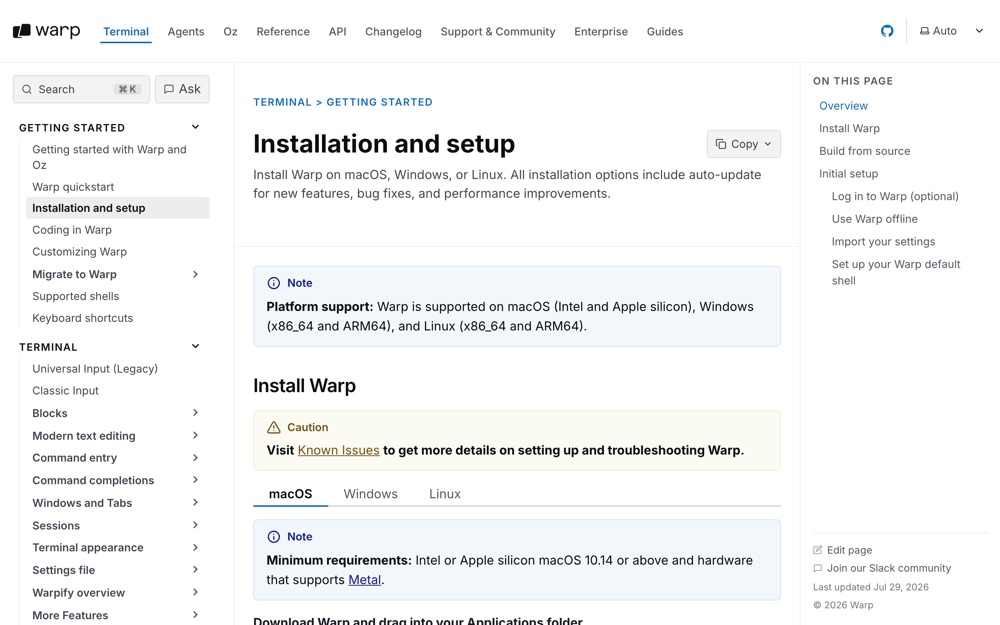
- macOS (Warp also ships for Windows and Linux).
- An internet connection the first time you open it. Warp works offline afterward, but AI and collaboration features need connectivity.
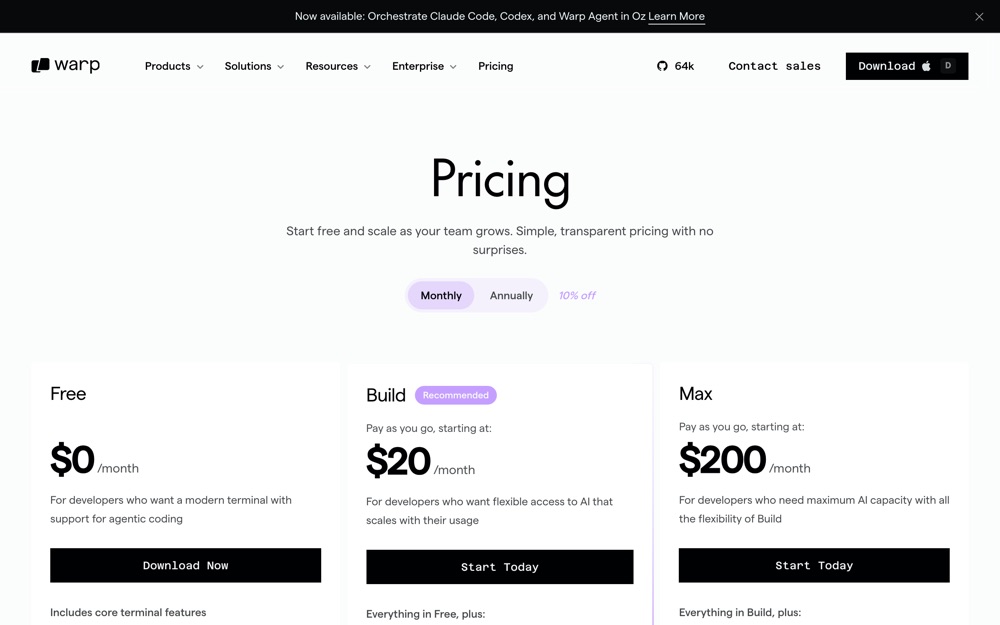
- Warp is subscription-based. The free tier gives you the terminal itself with limited cloud agent access and "bring your own AI inference" — no included agent credits. Paid agent usage starts at Build, $20/month (1,500 credits); Max is $200/month (18,000 credits); Business is $50/user/month up to 25 seats (1,500 credits per seat, plus SAML SSO and admin data controls). Decide who on the team needs a paid seat before rolling this out.
Set it up
Install the app. Either download the
.dmgfrom warp.dev/download and drag Warp into your Applications folder, or use Homebrew:sh brew install --cask warpOpen Warp from your Applications folder.
Sign in or skip. Warp prompts you to create an account with the Sign up button (top right), or via Settings > Account > Sign up. Account creation is optional — you can skip it and still use the core terminal, but agent features need an account.
Start an agent conversation. Press ⌘I for a new conversation (Windows/Linux:
CTRL + I). Then type what you want in plain English rather than a shell command.Learn the three shortcuts you'll actually use:
Shortcut What it does ⌘INew agent conversation ⌘YOpen the Conversations Menu (switch between running agents) ⌘⇧NStart a new conversation escDrop back to plain terminal mode You can also type
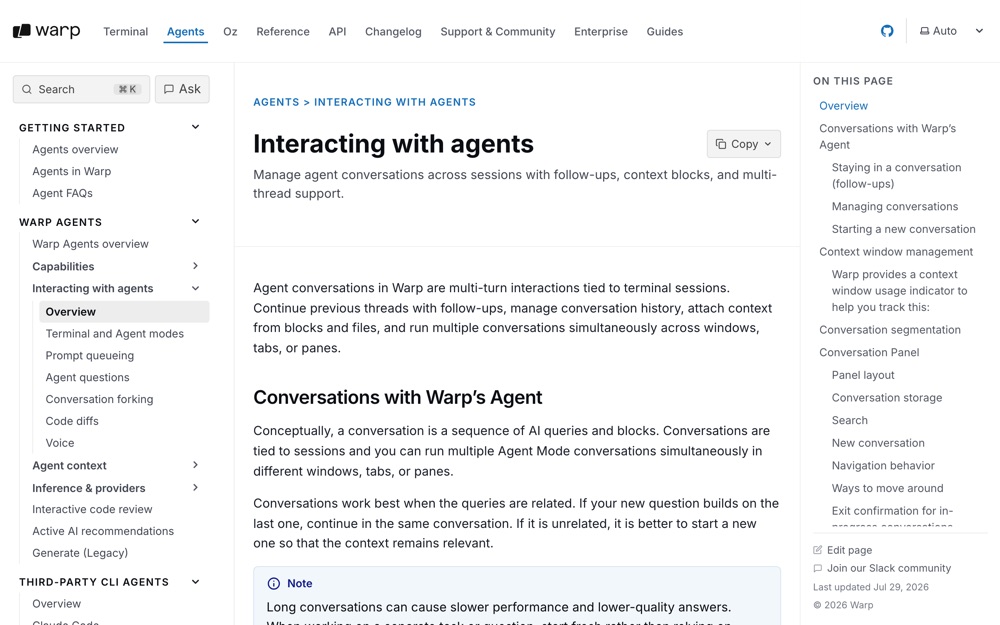
/newas a slash command to start a fresh conversation.Run several agents at once. Agent Mode conversations are tied to sessions, so you can run multiple conversations simultaneously in different windows, tabs, or panes. Open a new tab per project and start a separate conversation in each.
Queue follow-ups instead of waiting. While an agent is still responding, type your next prompt and hit enter — Warp queues it and sends it automatically in order.
What success looks like
⌘Iopens a prompt input where plain English works, and Warp shows you the command it intends to run before running it.⌘Ylists more than one conversation once you've started agents in separate tabs.escreturns you to an ordinary shell prompt where normal commands behave normally.
Verified vs not
Not simulated: everything above. Warp is a GUI app and was not installed or launched on this machine — although /Applications/Warp.app is already present here, no install, launch, sign-in, or agent run was performed. All commands, shortcuts, menu paths, and pricing figures are quoted from Warp's official docs and pricing page as of July 2026. Confirm the current pricing tiers before committing budget; they change.
Go deeper
-
 docs.warp.dev ↗
official install and first-run guide; the source for the install and sign-in steps above.
docs.warp.dev ↗
official install and first-run guide; the source for the install and sign-in steps above.
-
 docs.warp.dev ↗
official reference for Agent Mode, the keyboard shortcuts, prompt queueing, and running parallel conversations.
docs.warp.dev ↗
official reference for Agent Mode, the keyboard shortcuts, prompt queueing, and running parallel conversations.
-
 warp.dev ↗
official, authoritative tier and credit numbers. Check this before buying seats.
warp.dev ↗
official, authoritative tier and credit numbers. Check this before buying seats.
-
 thenewstack.io ↗
The New Stack, an established independent developer publication; a hands-on walkthrough of agent mode from someone outside Warp, useful for a sanity check on the marketing.
thenewstack.io ↗
The New Stack, an established independent developer publication; a hands-on walkthrough of agent mode from someone outside Warp, useful for a sanity check on the marketing.
-
 youtube.com ↗
official channel with recorded feature walkthroughs if you'd rather watch than read.
youtube.com ↗
official channel with recorded feature walkthroughs if you'd rather watch than read.