Tools · Setup guide
Google Stitch
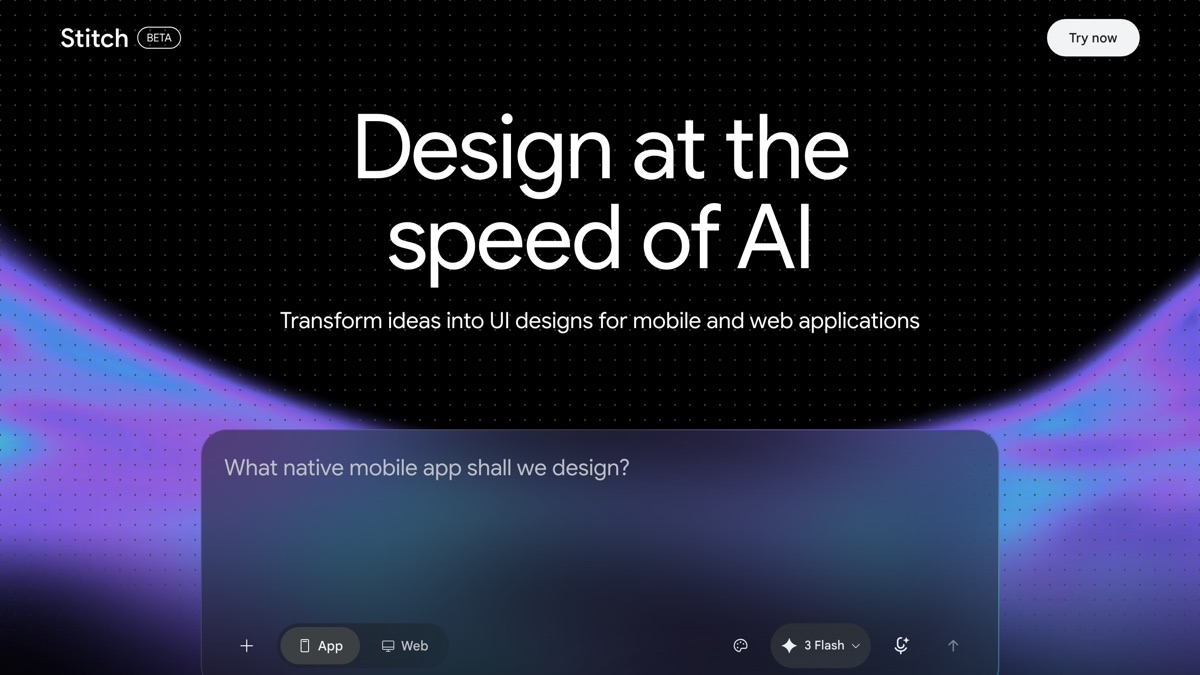
A free Google Labs experiment that turns a plain-English prompt or a rough sketch into UI designs you can paste straight into Figma or export as front-end code.
Before you start
- A Google account. Stitch is entirely behind sign-in — there is no public demo or read-only view.
- A browser. Nothing to install; it's a web app at stitch.withgoogle.com.
- Figma, if you want to refine the output as a real design file (optional).
- Set expectations: this is a Labs experiment, not a supported Google product. It has no help center, no published SLA, and the interface has already been rebuilt once. Treat it as an ideation tool, not part of a client delivery pipeline.
Set it up
Go to https://stitch.withgoogle.com/ and sign in with your Google account.
Describe the interface you want in the prompt field. Google's guidance is to describe the app "in plain English, including details like color palettes or desired user experience" — so be specific about app type, the screens you need, and the visual style.
Or give it something visual instead. Per Google: "Have a design sketch on a whiteboard, a screenshot of a compelling UI, or a rough wireframe? Upload it to Stitch." Stitch is multimodal, so an image and a prompt together work better than either alone.
Refine what comes back. Stitch offers "an option to refine your design with image inputs, an interactive chat, theme selectors," plus generating multiple variants so you can explore directions rather than committing to the first result.
Link screens into a flow using Prototypes — the feature added in the Gemini 3 update that lets you "stitch" together different screens on the canvas into a working prototype with interactions and entire user flows. Google flags this one as experimental.
Get the output out, either way:
- To Figma — "Your generated design can be seamlessly pasted to Figma" for real design refinement.
- To code — "Stitch generates clean, functional front-end code based on your design."
What success looks like
You land on the canvas straight after sign-in, describe a screen, and get back a rendered UI you can iterate on conversationally. A good session ends with either a Figma paste that a designer can actually work with, or front-end code that gets a Laravel Blade or Livewire view roughed in far faster than hand-building it.
Where it earns its place in a Laravel shop: the awkward first 20% of a feature, when someone needs to see a plausible screen before the conversation can move forward. It is not a replacement for a designer, and the generated code is a starting point to be rewritten against your own Tailwind conventions — not something to ship.
What we could not pin down
Stitch changed substantially in the Gemini 3 update (10 December 2025), which introduced the new AI-native infinite canvas and the Prototypes feature. A lot of the tutorial content online predates that rebuild.
Two specifics are worth flagging because third-party guides state them confidently and contradict each other, while no official Google page publishes them:
- Monthly generation limits. Sources variously claim 350 standard generations plus either 50 or 200 higher-quality ones. We could not confirm any of these numbers against a Google source. Check the limits in the app.
- Mode names. Older guides describe "Standard" and "Experimental" modes; newer ones describe "Ideate" and "Flash". The rebuild likely renamed them. Trust what the interface says over any article, including this one.
Every official Google source agrees the tool is free with no paid tier, but that's a Labs experiment's status, not a commitment.
Verified vs not
Verified: stitch.withgoogle.com resolves and returns HTTP 200; all three official Google announcement posts linked below resolve. All feature descriptions and quoted wording above come from Google's own posts.
Not simulated: everything interactive. Stitch is a login-walled single-page app — we did not sign in, and by design nobody can verify the flow without an account. Confirmed along the way: the app serves an identical empty JS shell on every path, so a stitch.withgoogle.com/docs URL that circulates in search results is not a real documentation page, and support.google.com/stitch redirects to Google's generic support homepage. There is no official Stitch documentation or help center — the announcement blog posts are the authoritative public material, which is why all three resources below are Google's own.
Go deeper
-
 blog.google ↗
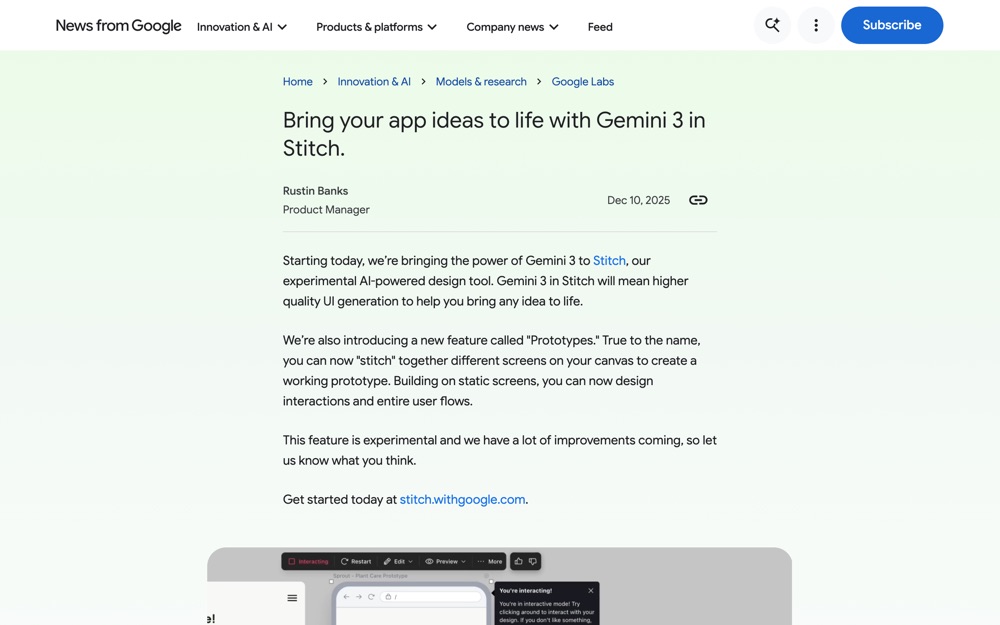
Google's official post, 10 Dec 2025. The most current description of the tool; read this first, since it covers the new canvas and Prototypes that older guides miss.
blog.google ↗
Google's official post, 10 Dec 2025. The most current description of the tool; read this first, since it covers the new canvas and Prototypes that older guides miss.
-
 developers.googleblog.com ↗
Google Developers Blog launch post. Still the clearest explanation of the input modes, refinement options, and the Figma and code export paths.
developers.googleblog.com ↗
Google Developers Blog launch post. Still the clearest explanation of the input modes, refinement options, and the Figma and code export paths.
-
 blog.google ↗
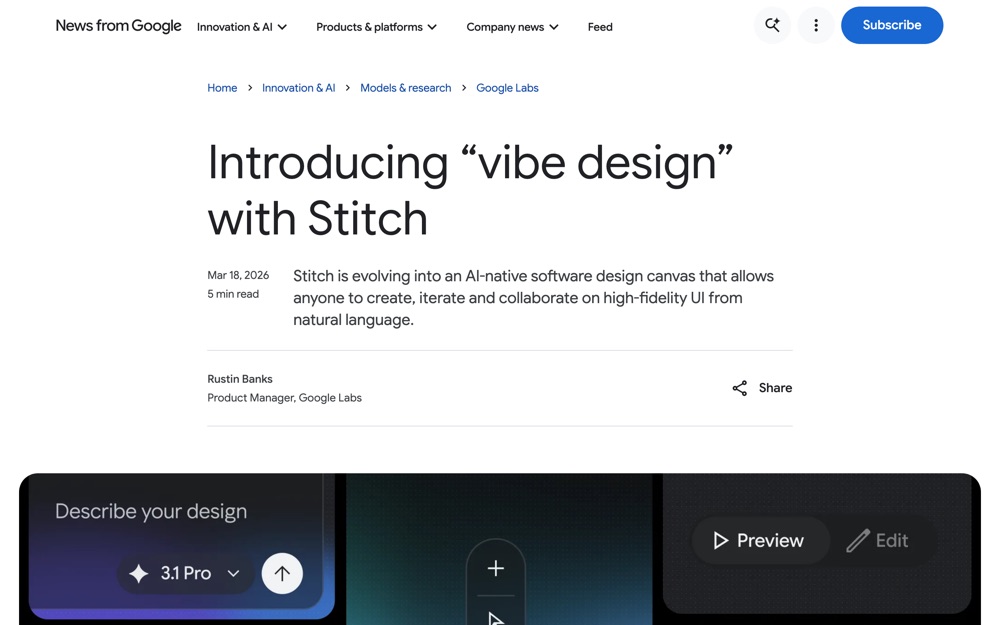
the original Google Labs announcement, useful for the product framing and where Stitch sits among Google's AI tools.
blog.google ↗
the original Google Labs announcement, useful for the product framing and where Stitch sits among Google's AI tools.