Tools · Setup guide
Laravel Boost
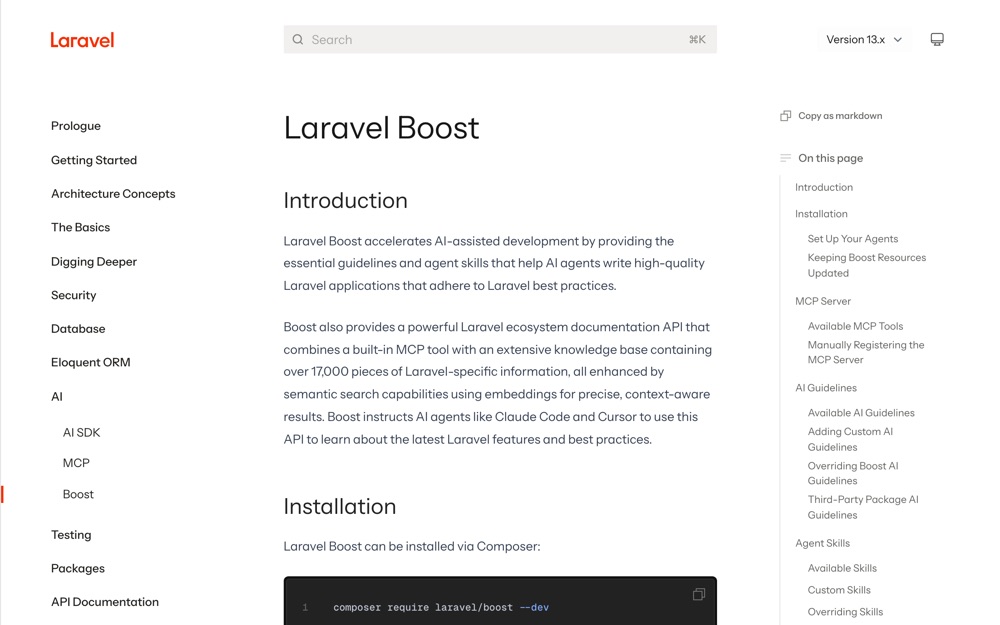
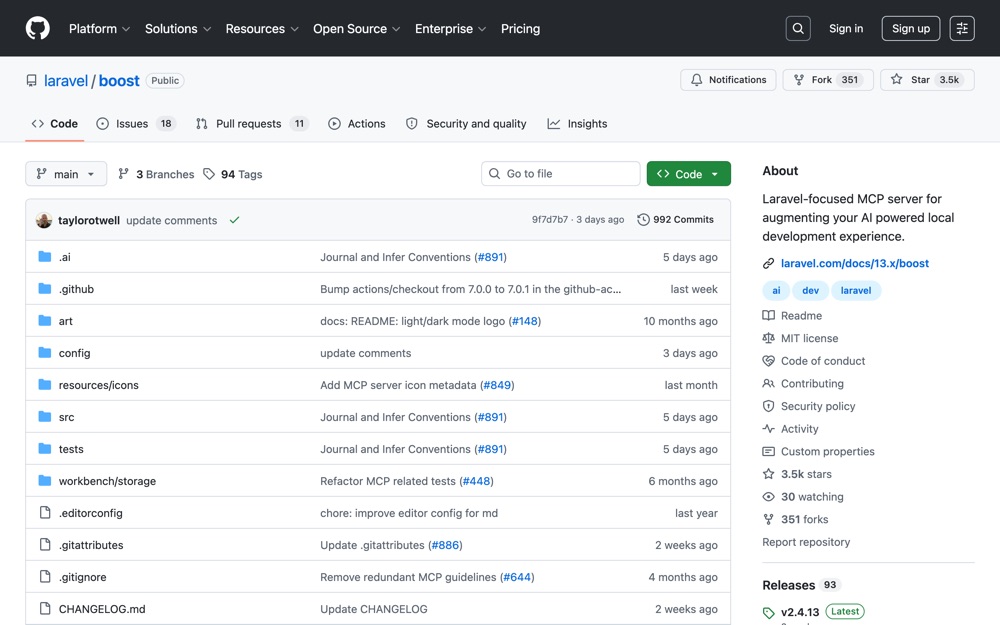
Laravel's official MCP server and guideline generator — it teaches your AI coding agent how your Laravel app is actually built.
Before you start
- An existing Laravel app (Boost supports Laravel 10.x through 13.x guidelines).
- PHP and Composer on your PATH.
- At least one supported agent installed: Claude Code, Cursor, Codex, Gemini CLI, GitHub Copilot (VS Code), or Junie.
- Run this from your project root. Boost writes files into the project.
Set it up
Install the package as a dev dependency:
shell composer require laravel/boost --devVerified output ends with:
terminal INFO Discovering packages. laravel/boost .. DONE laravel/mcp .. DONE ... Using version ^2.4 for laravel/boostRun the installer. It detects which agents you have and asks what to install:
shell php artisan boost:installTo skip the prompts (useful in CI or a scripted setup), pass the feature flags explicitly:
shell php artisan boost:install --guidelines --skills --mcp --no-interactionVerified output:
terminal ✦ Laravel Boost :: Install :: We Must Ship ✦ Adding 7 guidelines to your selected agents boost deployments foundation laravel/core php phpunit/core pint/core Claude Code.. ✓ Codex .. ✓ OpenCode .. ✓ Pi .. ✓ Syncing 1 skills for skills-capable agents laravel-best-practices Installing MCP servers to your selected Agents Claude Code.. ✓ Codex .. ✓ OpenCode .. ✓ Enjoy the boost 🚀Turn the MCP server on in your editor. Claude Code, Codex, and Gemini CLI are usually enabled automatically. If yours isn't:
Claude Code
shell claude mcp add -s local -t stdio laravel-boost php artisan boost:mcpCodex
shell codex mcp add laravel-boost -- php "artisan" "boost:mcp"Gemini CLI
shell gemini mcp add -s project -t stdio laravel-boost php artisan boost:mcpCursor — open the command palette (
Cmd+Shift+P), press enter on "/open MCP Settings", togglelaravel-booston.GitHub Copilot (VS Code) — command palette, "MCP: List Servers", select
laravel-boost, choose "Start server".Junie — press
shifttwice, search "MCP Settings", checklaravel-boost, click Apply.Add the generated files to
.gitignoreif you don't want them tracked. They are regenerated byboost:installandboost:update:terminal .mcp.json boost.json CLAUDE.md AGENTS.mdRefresh guidelines after upgrading packages:
shell php artisan boost:updateUse
php artisan boost:update --discoverto also scan for newly installed packages and offer their guidelines. To automate it, add tocomposer.json:json { "scripts": { "post-update-cmd": [ "@php artisan boost:update --ansi" ] } }
What success looks like
boost:install creates these in your project root (verified on a fresh Laravel 13.23.0 app):
.mcp.json      .claude/      CLAUDE.md    boost.json
.agents/       .codex/       AGENTS.md    opencode.json
.pi/
.mcp.json contains exactly:
{
    "mcpServers": {
        "laravel-boost": {
            "command": "php",
            "args": ["artisan", "boost:mcp"]
        }
    }
}
The MCP server exposes 9 tools — confirmed live over stdio:
application-info, browser-logs, database-connections, database-query, database-schema, get-absolute-url, last-error, read-log-entries, search-docs
Ask your agent "what Laravel version is this app on?" and it should call application-info and get back real data. Verified response from the sandbox app:
{"php_version":"8.4","laravel_version":"13.23.0","database_engine":"sqlite",
 "packages":[{"roster_name":"LARAVEL","version":"13.23.0","package_name":"laravel/framework"},
 {"roster_name":"BOOST","version":"2.4.13","package_name":"laravel/boost"}, ...]}
search-docs is the one that matters most day to day — it queries Laravel's hosted documentation API (17,000+ indexed pieces, semantic search) scoped to the packages you actually have installed.
Things worth knowing
- You get the skills your app earns. The docs list a dozen skills (
livewire-development,pest-testing,fluxui-development, and so on), but they're installed based on what's in yourcomposer.json. A bare Laravel app gets exactly one:laravel-best-practices. Install Livewire, re-runboost:update --discover, and the Livewire skill appears. - Guidelines vs. skills. Guidelines load upfront every session (broad Laravel conventions). Skills load on demand when the agent is working in that domain (detailed patterns). Skills keep your context window cleaner.
- Two undocumented commands exist:
php artisan boost:list-skillsshows what's active, andphp artisan boost:add-skillpulls skills from a remote GitHub repo. Neither is in the written docs. - Add your own house rules by dropping
.mdor.blade.phpfiles into.ai/guidelines/. They get merged in on the nextboost:install. Custom skills go in.ai/skills/{name}/SKILL.md. Matching a built-in path overrides Boost's version — handy for making the agent follow Creative2 conventions instead of generic Laravel ones.
Verified vs not
Verified (Laravel 13.23.0, PHP 8.4.23, Composer 2.10.1, laravel/boost v2.4.13, SQLite): package install, boost:install with flags, all generated files and their contents, the MCP server handshake, the full 9-tool list, and a real application-info tool call.
Not simulated: the interactive boost:install prompt flow (flags were used instead); per-editor MCP toggles in Cursor, VS Code, and Junie; boost:update against upgraded packages.