Tools · Setup guide
Kimi K3
Moonshot AI's open-weights frontier model — 2.8T parameters, 1M-token context, native vision. Reach for it when you want frontier-ish coding help at a much lower price than the US labs, or when you need weights you can actually run yourself. There are three separate ways in, and people mix them up constantly, so pick your lane first.
Before you start
Decide which of these you actually want:
| You want… | Use | Costs |
|---|---|---|
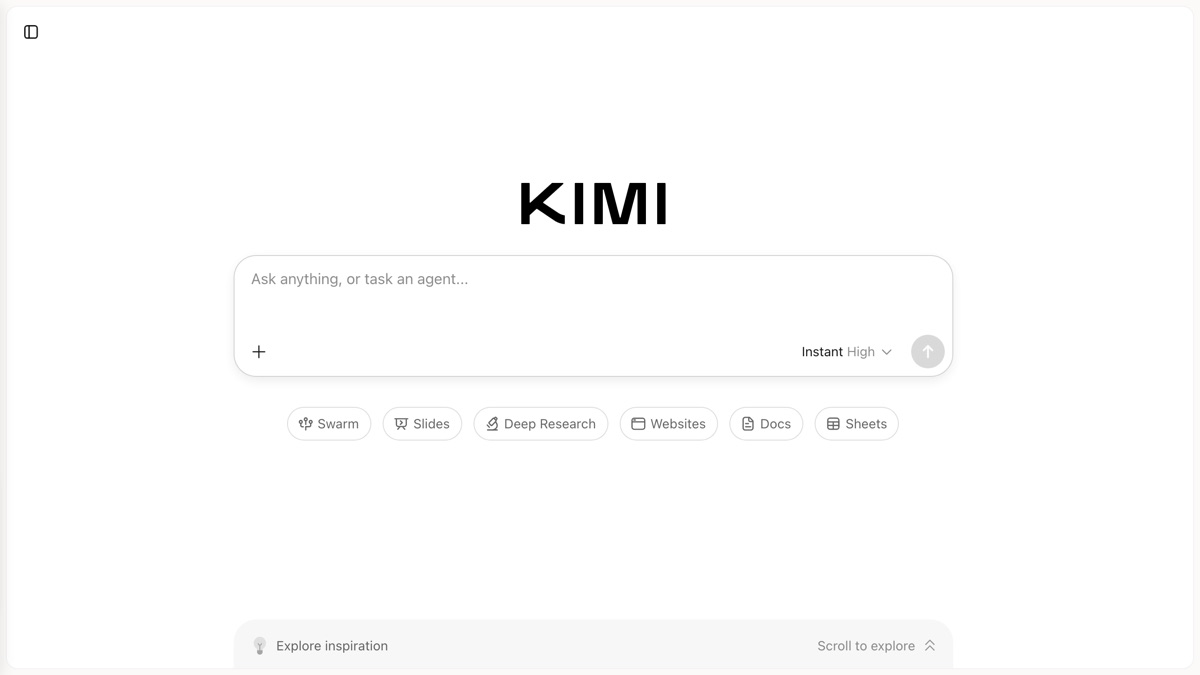
| Just to chat with it | kimi.com in a browser | Free tier, no setup |
| Kimi inside Claude Code or your own app | Kimi API Platform (platform.kimi.ai) |
Pay per token |
| Moonshot's own terminal coding agent | Kimi Code CLI (kimi.com/code) |
Subscription |
| To self-host the weights | Hugging Face moonshotai/Kimi-K3 |
Your own GPUs — a lot of them |
The API platform and Kimi Code are different products with different endpoints and different keys. A key from one does not work on the other.
Set it up
Option A — Just use the website
- Go to kimi.com and sign in. That's it. There's a free tier.
Option B — Kimi K3 inside Claude Code
Moonshot serves K3 through an Anthropic-compatible endpoint, so Claude Code can talk to it with no patching — you just repoint it.
Create an API key at platform.kimi.ai → API Keys.
Export the variables, then launch Claude Code:
bash export ANTHROPIC_BASE_URL="https://api.moonshot.ai/anthropic" export ANTHROPIC_AUTH_TOKEN="YOUR_MOONSHOT_API_KEY" export ANTHROPIC_MODEL="kimi-k3[1m]" export ANTHROPIC_DEFAULT_OPUS_MODEL="kimi-k3[1m]" export ANTHROPIC_DEFAULT_SONNET_MODEL="kimi-k3[1m]" export ANTHROPIC_DEFAULT_HAIKU_MODEL="kimi-k3[1m]" export ANTHROPIC_DEFAULT_FABLE_MODEL="kimi-k3[1m]" export CLAUDE_CODE_SUBAGENT_MODEL="kimi-k3[1m]" export CLAUDE_CODE_AUTO_COMPACT_WINDOW="1048576" export CLAUDE_CODE_EFFORT_LEVEL="max" claudeSet all of the model variables, not just
ANTHROPIC_MODEL. Claude Code reaches for different model tiers for different internal jobs (subagents, quick summaries), and if you only override one, it will try to call a Sonnet or Haiku model ID that doesn't exist on Moonshot's endpoint and fail.To make it permanent instead, put the same keys under
"env"in~/.claude/settings.jsonand restart Claude Code.Verify inside Claude Code:
terminal /statusBase URL should read
https://api.moonshot.ai/anthropicand the model should readkimi-k3[1m].
Heads up: this repoints your Claude Code at Moonshot for everything in that shell. Use a separate terminal profile or a wrapper script if you want to keep your normal Claude setup intact.
Option C — Call the API directly
The API is OpenAI-compatible, so any OpenAI SDK works by changing one line.
- Base URL:
https://api.moonshot.ai/v1 - Anthropic-compatible base URL:
https://api.moonshot.ai/anthropic - Model IDs:
kimi-k3(flagship, 1M context),kimi-k2.7-code-highspeed(coding),kimi-k2.6(general)
from openai import OpenAI

client = OpenAI(
    api_key="YOUR_MOONSHOT_API_KEY",
    base_url="https://api.moonshot.ai/v1",
)
resp = client.chat.completions.create(
    model="kimi-k3",
    messages=[{"role": "user", "content": "Hello"}],
)
Keep the key in an environment variable, not in source.
Option D — Kimi Code CLI
Moonshot's own terminal agent. Subscription-based, and it handles auth for you — no key wrangling.
Install:
macOS / Linux:
bash curl -fsSL https://code.kimi.com/kimi-code/install.sh | bashWindows PowerShell:
powershell irm https://code.kimi.com/kimi-code/install.ps1 | iexRun it and log in:
bash kimiThen
/loginat the prompt to connect your Kimi Code account.If you want to point other tools at your Kimi Code subscription, grab a key from the Kimi Code Console (max 5 keys, each shown only once) and use these base URLs — note they differ from the API platform's:
- OpenAI-compatible:
https://api.kimi.com/coding/v1 - Anthropic-compatible:
https://api.kimi.com/coding/
Membership tiers (Moderato, Allegretto) gate which models you get (K3 vs K2.7), context size (256K vs 1M), speed variant, and rate limits (roughly 300–1,200 requests per 5-hour window).
- OpenAI-compatible:
Option E — Run the weights yourself
The repo is moonshotai/Kimi-K3 on Hugging Face.
- 2.8T total parameters, 104B activated per token (mixture-of-experts: 896 experts, 16 selected per token)
- 1,048,576-token context window
- MXFP4 weights / MXFP8 activations
- 93 layers (69 KDA + 24 Gated MLA), MoonViT-V2 vision encoder (401M params), 160K vocab
- Released under the Kimi K3 License (not MIT/Apache — read it before commercial use)
Recommended inference engines per the model card: vLLM, SGLang, and TokenSpeed, each with published recipes. Roughly 1.4TB of weights at full precision, so this is a multi-node datacenter exercise, not a workstation one. Community quantizations exist (25+ variants listed) if you want something smaller.
What success looks like
- Website: kimi.com answers you.
- Claude Code:
/statusshows base URLhttps://api.moonshot.ai/anthropicand modelkimi-k3[1m], and normal coding requests work. - API: a
chat.completions.createcall againsthttps://api.moonshot.ai/v1with modelkimi-k3returns a completion. - Kimi Code CLI:
kimiopens a prompt and/logincompletes without error.
Verified vs not
Verified: every URL in this article resolves (HTTP 200 via curl), including kimi.com, platform.kimi.ai, platform.kimi.ai/docs/guide/claude-code-kimi, kimi.com/code/docs/en/, kimi.com/code/console, the install script at code.kimi.com/kimi-code/install.sh, and the Hugging Face repo moonshotai/Kimi-K3. All environment variables, base URLs, model IDs, install commands, and model specs are quoted from Moonshot's own docs and model card.
Not simulated: everything requiring an account. No signup was performed, no API key was created or used, no call was made to any Moonshot endpoint, and the Kimi Code CLI was not installed or run — the brief explicitly ruled out creating provider accounts, and the Claude Code integration would have required a paid Moonshot key. Treat the commands as accurate-per-docs but unexecuted.
Go deeper
-
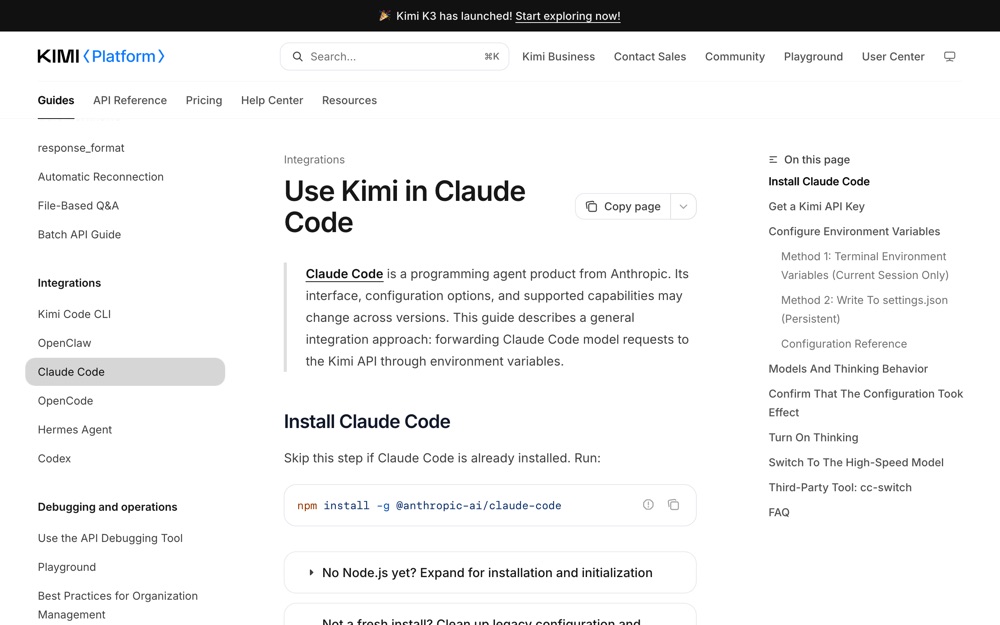 platform.kimi.ai ↗
Moonshot's own page; the source for every env var above, including the ones people forget to set.
platform.kimi.ai ↗
Moonshot's own page; the source for every env var above, including the ones people forget to set.
-
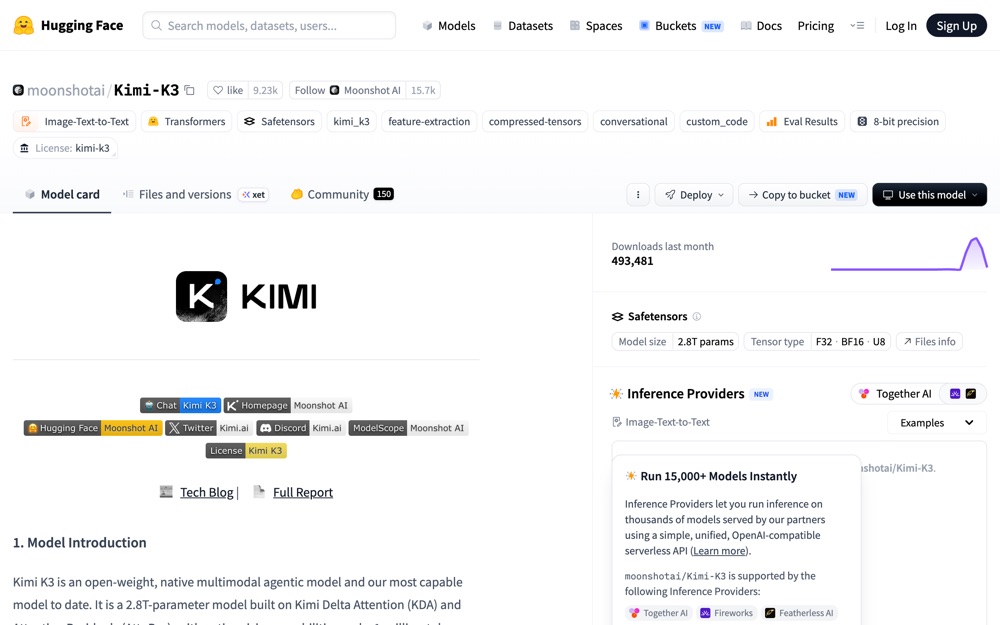 huggingface.co ↗
the model card: exact architecture, license, quantization, and links to vLLM/SGLang deployment recipes.
huggingface.co ↗
the model card: exact architecture, license, quantization, and links to vLLM/SGLang deployment recipes.
-
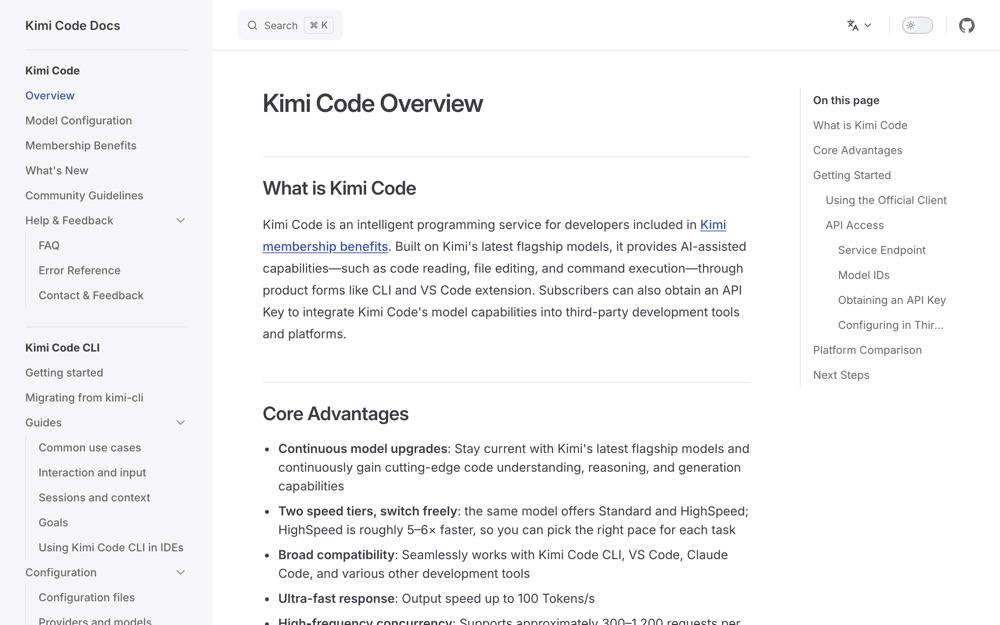 kimi.com ↗
official docs for the CLI product, including install, login, base URLs, and membership tiers.
kimi.com ↗
official docs for the CLI product, including install, login, base URLs, and membership tiers.
-
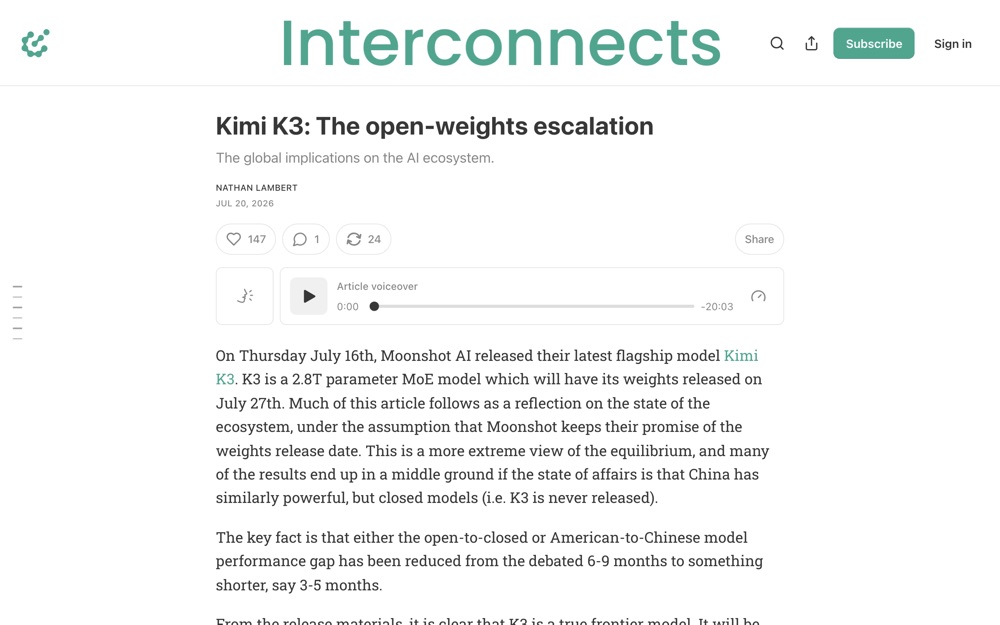 interconnects.ai ↗
Nathan Lambert (Ai2, Interconnects) on where K3 actually lands against frontier closed models; credible independent analysis rather than launch-day marketing.
interconnects.ai ↗
Nathan Lambert (Ai2, Interconnects) on where K3 actually lands against frontier closed models; credible independent analysis rather than launch-day marketing.