Tools · Setup guide
Claude Code & Codex
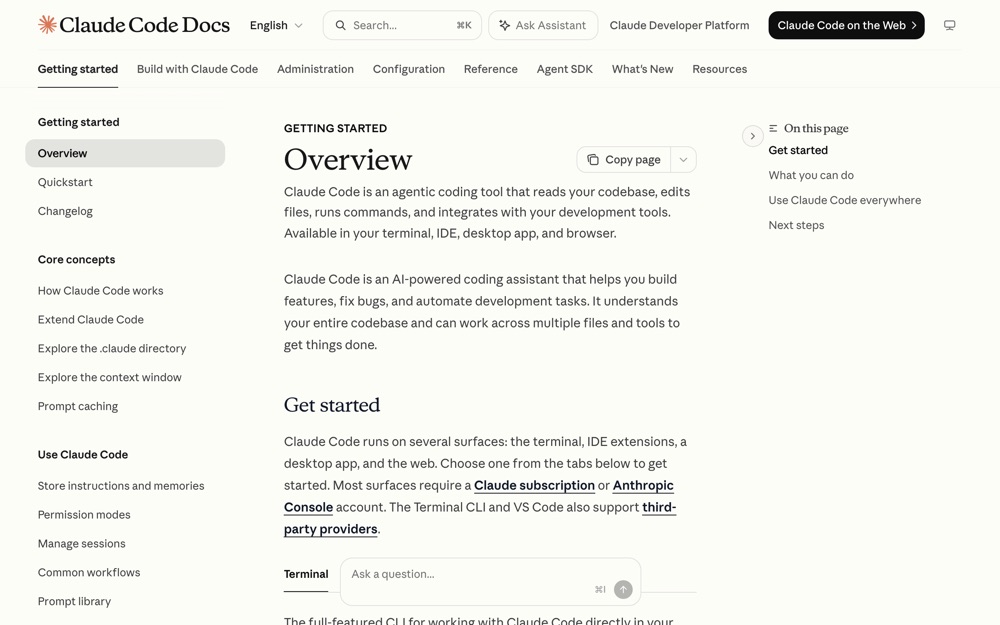
Two terminal coding agents that read your repo, write code, run commands, and open PRs. Claude Code (Anthropic) and Codex CLI (OpenAI) do broadly the same job — most people install both and switch depending on which model they want on a task.
Before you start
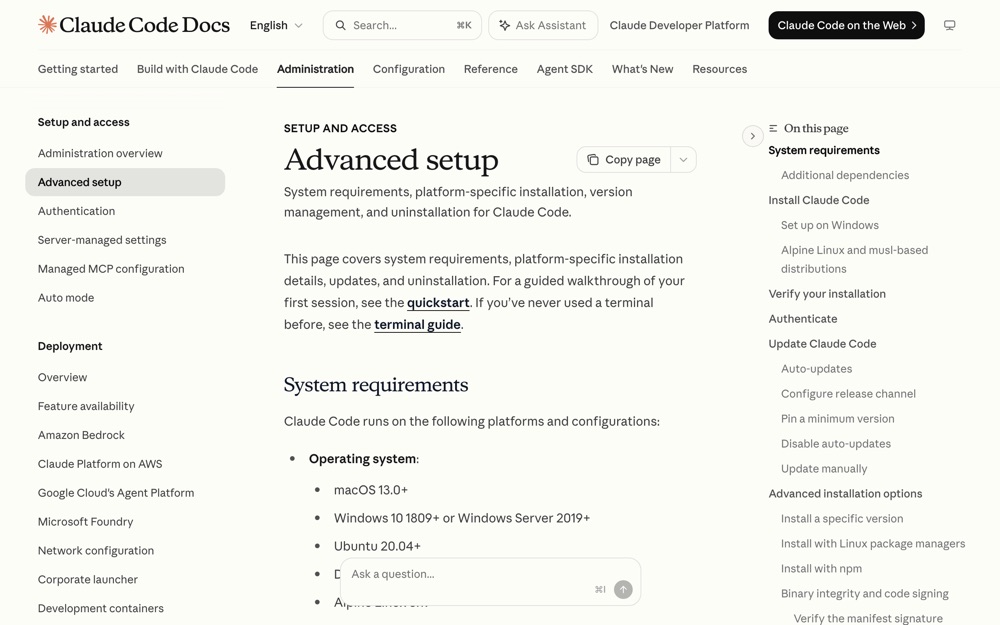
- macOS 13+, Windows 10 1809+, or Ubuntu 20.04+ / Debian 10+ / Alpine 3.19+. 4 GB+ RAM.
- A terminal. On Windows, either native PowerShell/CMD or WSL 2.
- Claude Code needs a Claude Pro, Max, Team, Enterprise, or Console account. The free Claude.ai plan does not include Claude Code.
- Codex CLI needs a ChatGPT Plus, Pro, Business, Edu, or Enterprise plan (or an OpenAI API key).
- Neither install needs
sudo. Never runsudo npm install -g.
Set it up
Claude Code
Install it. The native installer is the recommended path and auto-updates in the background.
macOS, Linux, WSL:
bash curl -fsSL https://claude.ai/install.sh | bashWindows PowerShell:
powershell irm https://claude.ai/install.ps1 | iexHomebrew (does not auto-update — you run
brew upgradeyourself):bash brew install --cask claude-codeConfirm it installed.
bash claude --versionVerified output on this machine:
terminal 2.1.220 (Claude Code)Start a session from inside the project you want to work on.
bash cd ~/your-project claudeLog in. On first run it opens a browser prompt — follow it. If you already have
ANTHROPIC_API_KEYset in your shell, Claude Code asks once to approve that key instead of opening a browser.If anything looks off, run the diagnostics. It prints read-only install/settings health without starting a session.
bash claude doctor
Codex CLI
Install it. Pick one:
bash npm install -g @openai/codexbash brew install --cask codexmacOS/Linux standalone:
bash curl -fsSL https://chatgpt.com/codex/install.sh | shWindows standalone:
powershell powershell -ExecutionPolicy ByPass -c "irm https://chatgpt.com/codex/install.ps1 | iex"Confirm it installed.
bash codex --versionVerified output on this machine:
terminal codex-cli 0.145.0Start a session from your project directory.
bash cd ~/your-project codexSign in. On first launch choose Sign in with ChatGPT to use your existing plan. (API-key auth is the alternative and needs extra config.)
Config lives at
~/.codex/config.toml. You don't need to touch it to get started.
Useful once you're running
| Claude Code | Codex CLI | What it does |
|---|---|---|
claude --version |
codex --version |
Version check |
claude doctor |
codex doctor |
Diagnose install/auth/config |
claude update |
codex update |
Update now instead of waiting |
claude -p "…" |
codex exec "…" |
Run non-interactively (scripts, CI) |
/model |
/model |
Switch model / reasoning effort |
| — | codex resume --last |
Reopen your previous session |
| — | codex review |
Non-interactive code review |
claude mcp add … |
codex mcp add … |
Attach an MCP server |
What success looks like
claude --versionprints a version like2.1.220 (Claude Code);codex --versionprintscodex-cli 0.145.0.- Running
claudeorcodexin a project drops you into an interactive prompt that already knows about the files around it. - Ask either one "what does this repo do?" and you get an answer grounded in your actual files, not a generic guess.
Verified vs not
Verified: claude --version → 2.1.220 (Claude Code); codex --version → codex-cli 0.145.0; codex --help (subcommand list above is copied from real output); ~/.codex/config.toml exists on disk. Install commands are quoted verbatim from the official setup pages, not run — both tools were already installed and reinstalling would have been destructive.
Not simulated: the login/auth flows for either tool (they're interactive browser handoffs tied to a personal account, and the machine was already authenticated). Windows and Linux install paths are quoted from official docs, not executed — this was macOS.
Go deeper
-
 code.claude.com ↗
Anthropic's canonical install page: every install method, system requirements, update channels, uninstall, and GPG verification of the binaries.
code.claude.com ↗
Anthropic's canonical install page: every install method, system requirements, update channels, uninstall, and GPG verification of the binaries.
-
 code.claude.com ↗
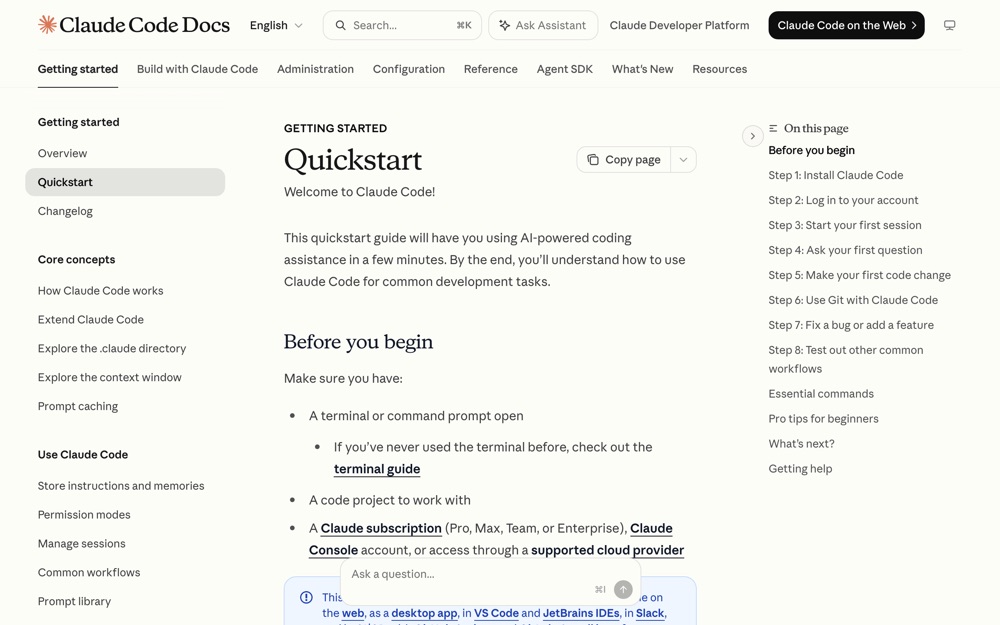
the official first-session walkthrough if you've never used a terminal agent.
code.claude.com ↗
the official first-session walkthrough if you've never used a terminal agent.
-
 learn.chatgpt.com ↗
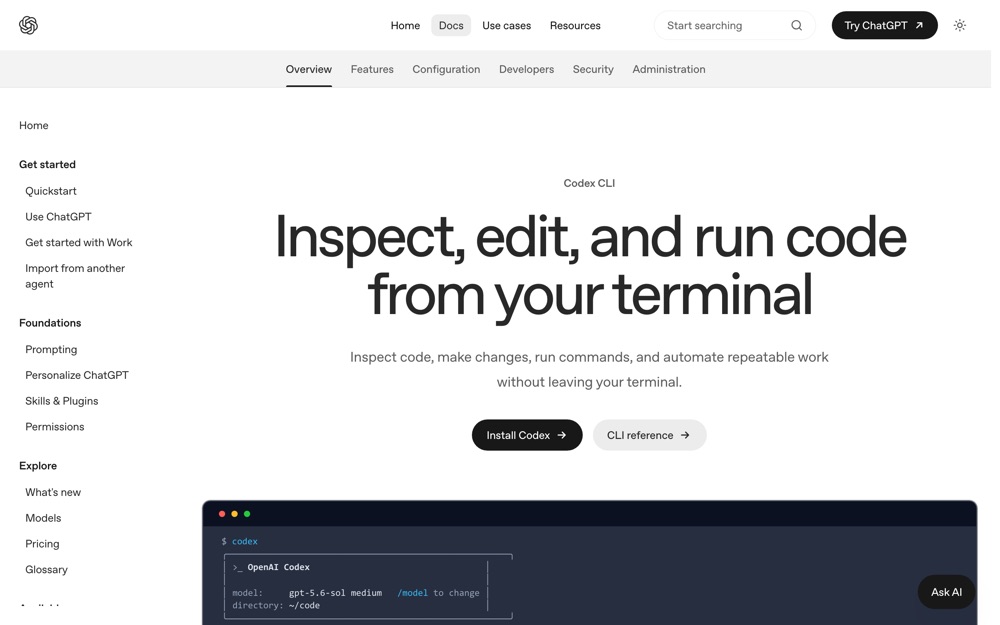
OpenAI's official CLI page covering install, sign-in, sandbox permissions, and the
learn.chatgpt.com ↗
OpenAI's official CLI page covering install, sign-in, sandbox permissions, and the /review,/model,/permissionscommands. -
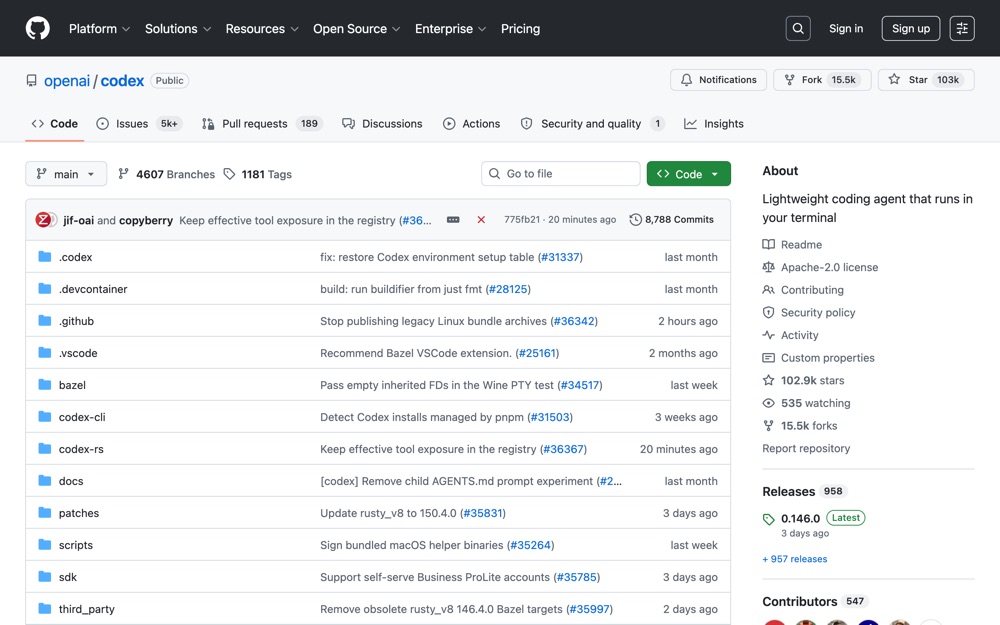 github.com ↗
the source repo; useful for release notes, platform binaries, and config reference.
github.com ↗
the source repo; useful for release notes, platform binaries, and config reference.