Tools · Setup guide
Chrome DevTools MCP
Gives your coding agent a real Chrome browser: it can open your page, click things, read the console, inspect network requests, and record a performance trace. Reach for it when the agent needs to see what it built instead of guessing — visual checks, "why is this blank", and page-speed debugging.
Before you start
- Node.js (current LTS) and npm on your PATH.
- Chrome stable or newer, installed the normal way.
- An MCP-capable client: Claude Code, Codex CLI, Cursor, VS Code, or Gemini CLI.
- Nothing to sign up for and no API key. The server runs locally via
npx.
Set it up
Confirm Node and Chrome are present.
bash node --version "/Applications/Google Chrome.app/Contents/MacOS/Google Chrome" --versionVerified on this machine:
v25.6.0andGoogle Chrome 150.0.7871.184.Check the server itself runs. This downloads and executes it once — no config changes.
bash npx -y chrome-devtools-mcp@latest --versionVerified output:
terminal 1.6.0Register it with your agent. Pick your client:
Claude Code (
--scope usermakes it available in every project):bash claude mcp add chrome-devtools --scope user npx chrome-devtools-mcp@latestCodex CLI:
bash codex mcp add chrome-devtools -- npx chrome-devtools-mcp@latestGemini CLI:
bash gemini mcp add chrome-devtools npx chrome-devtools-mcp@latestVS Code:
bash code --add-mcp '{"name":"io.github.ChromeDevTools/chrome-devtools-mcp","command":"npx","args":["-y","chrome-devtools-mcp"],"env":{}}'Cursor, or any client that takes raw JSON:
json { "mcpServers": { "chrome-devtools": { "command": "npx", "args": ["-y", "chrome-devtools-mcp@latest"] } } }Confirm it registered.
bash claude mcp listVerified output line (first run shows pending until you approve it inside a
claudesession):terminal chrome-devtools: npx chrome-devtools-mcp@latest - ⏸ Pending approval (run `claude` to approve)Start
claude, approve the server when prompted, and it flips to✔ Connected.Prefer the plugin over the bare server if you're on Claude Code — it ships skills that teach the agent how to use the tools, not just that they exist.
terminal /plugin marketplace add ChromeDevTools/chrome-devtools-mcp /plugin install chrome-devtools-mcp@chrome-devtools-plugins
Flags worth knowing
All verified present in --help on v1.6.0:
--headless— run Chrome with no visible window. Good for CI, bad for watching what it does.--isolated— throwaway user-data-dir, wiped when the browser closes. Use this to keep the agent out of your real Chrome profile.--channel canary|dev|beta|stable— target a different Chrome build.--browserUrl http://127.0.0.1:9222— attach to a Chrome you already have running instead of launching a new one.--viewport 1280x720— set the starting window size.--slim— expose only 3 tools (navigate, run script, screenshot) when you want a smaller surface.--no-usage-statistics— opt out of Google's usage telemetry.
Append flags after the package name, e.g. npx chrome-devtools-mcp@latest --isolated --viewport 1440x900.
What success looks like
npx -y chrome-devtools-mcp@latest --versionprints1.6.0(or later).claude mcp listshowschrome-devtools … ✔ Connectedafter you approve it.- You ask your agent "open localhost:3000 and tell me what's in the console" and a Chrome window actually opens, then the agent reports back real console output.
Verified vs not
Verified: npx -y chrome-devtools-mcp@latest --version → 1.6.0; --help (full flag list read from real output); node --version → v25.6.0; Chrome 150.0.7871.184. Registration was verified end to end — claude mcp add chrome-devtools --scope project npx chrome-devtools-mcp@latest was run in a throwaway directory, claude mcp list confirmed the entry, the generated .mcp.json was inspected, then claude mcp remove cleaned it up. The user's real config was never touched.
Not simulated: the Codex, Gemini, VS Code, and Cursor registration commands (quoted verbatim from the official repo — running them would have written to config we shouldn't modify), and the /plugin install, which needs an interactive Claude Code session.
Go deeper
-
 github.com ↗
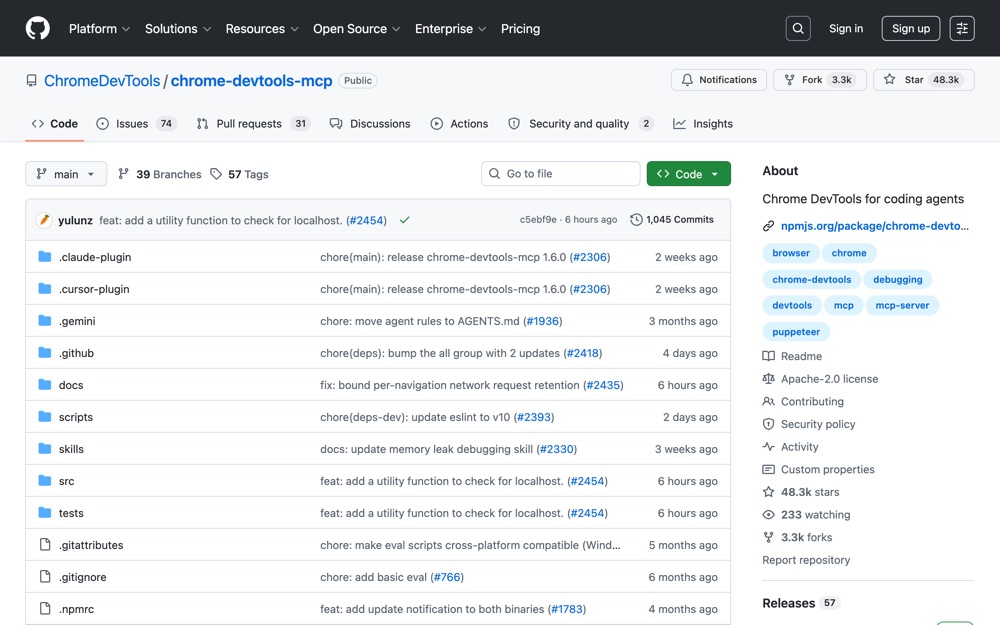
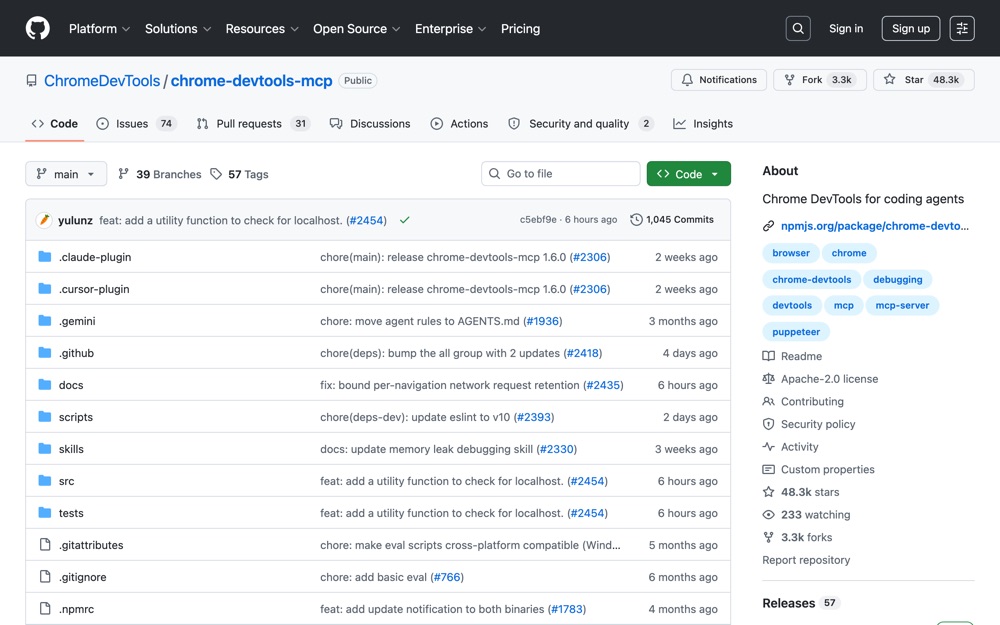
the official repo from the Chrome DevTools team; install commands, all CLI flags, and how to attach to a running Chrome.
github.com ↗
the official repo from the Chrome DevTools team; install commands, all CLI flags, and how to attach to a running Chrome.
-
 github.com ↗
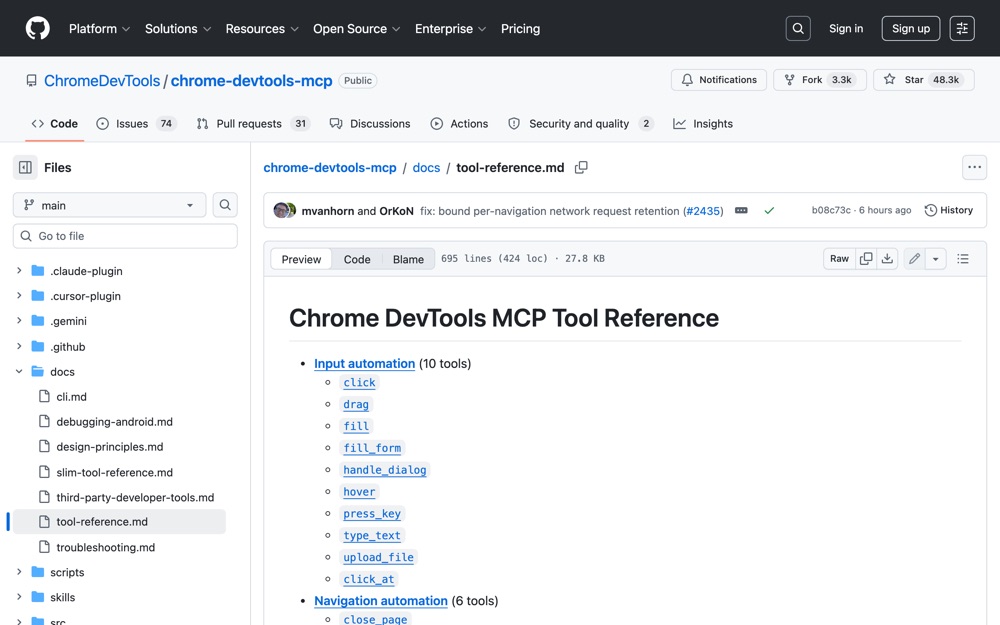
every tool the server exposes, grouped by category, so you know what your agent can actually do.
github.com ↗
every tool the server exposes, grouped by category, so you know what your agent can actually do.
-
 developer.chrome.com ↗
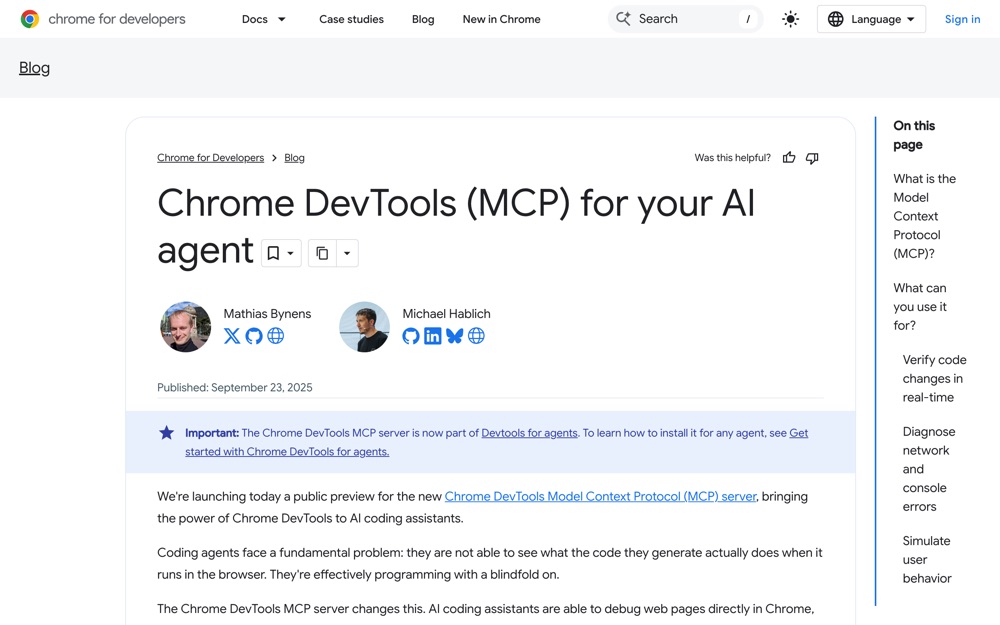
Google's own writeup on why this exists and what problems it solves for coding agents.
developer.chrome.com ↗
Google's own writeup on why this exists and what problems it solves for coding agents.